Subscription Tracker Spreadsheet for Excel & Google Sheets
1 / 4
See what you really pay each year and which subscriptions to cancel
€6.95
English edition (EN) · Digital download · Instant access after purchase
PurchaseSecure checkout on Whop.
Payment, invoice and VAT handled by Whop (Merchant of Record).
Product details
Description
Subscription Tracker Spreadsheet for Excel & Google Sheets. Find out what you really pay for your subscriptions and which ones you can cancel.
“Subscription tracker” is a ready-to-use spreadsheet template for Excel and Google Sheets with all the formulas built in, by Garoc Studio, a design studio in Barcelona. It's perfect for anyone paying for streaming, apps, gym or memberships who wants to cut recurring costs. Everything is in English and it's an instant download after purchase.
What's included
- Subscriptions
- Summary
- Start sheet with instructions
Why you'll love it
- Real cost: Monthly and yearly, whether billed monthly, quarterly or yearly.
- Renewal alerts: Highlights what renews in the next 7 days.
- Calculated savings: How much you save per year by canceling what you don't use.
How it works
- 1.Download: You get the .xlsx file as soon as you complete your purchase.
- 2.Open: In Excel or Google Sheets (free): upload it to Google Drive and open it.
- 3.Fill in: Type only in the colored cells. Everything else calculates automatically.
Format & compatibility
- Excel + Google Sheets · 3 sheets
- In English
- Works in any currency: pick $, £, €, A$, C$… on the Start sheet or type your own symbol
- Dates follow your computer's regional format (MM/DD or DD/MM)
- Works in Microsoft Excel (Windows and Mac) and in Google Sheets, free in your browser
- Made for the US, UK, Canada, Australia, Europe and beyond: no country-specific holidays, taxes or currency
Please note
- This is a digital product: nothing physical will be shipped. Instant download.
In Spanish?
Also available in Spanish: look for the Spanish Edition (Edición en español) in our shop.
About Garoc Studio
Garoc Studio is a creative studio in Barcelona, founded by Marina and Ana. We design beautiful templates that are useful from day one, in English and in Spanish. Crafted in Barcelona, designed for the World.
FAQ
- Does it work in Google Sheets?
- Yes. Upload the file to Google Drive and open it with Google Sheets. It also works in Excel for Windows and Mac.
- Do I need Excel skills?
- No. You only type in the colored cells and the formulas do the rest. The Start sheet explains every step.
- Which currency does it use?
- Any. Pick $, £, €, A$, C$ from the list on the Start sheet or type your own symbol; every sheet follows it. Dates follow your computer's regional format.
- How do I get my files?
- Right after checkout, in the Files tab of your Whop account and in your confirmation email. It's an .xlsx file.
- Is it available in Spanish?
- Also available in Spanish: look for the Spanish Edition (Edición en español) in our shop.
- What if I have a problem with the file?
- Email us at garocstudio@outlook.com or message us on Whop and we'll fix it.
Related products
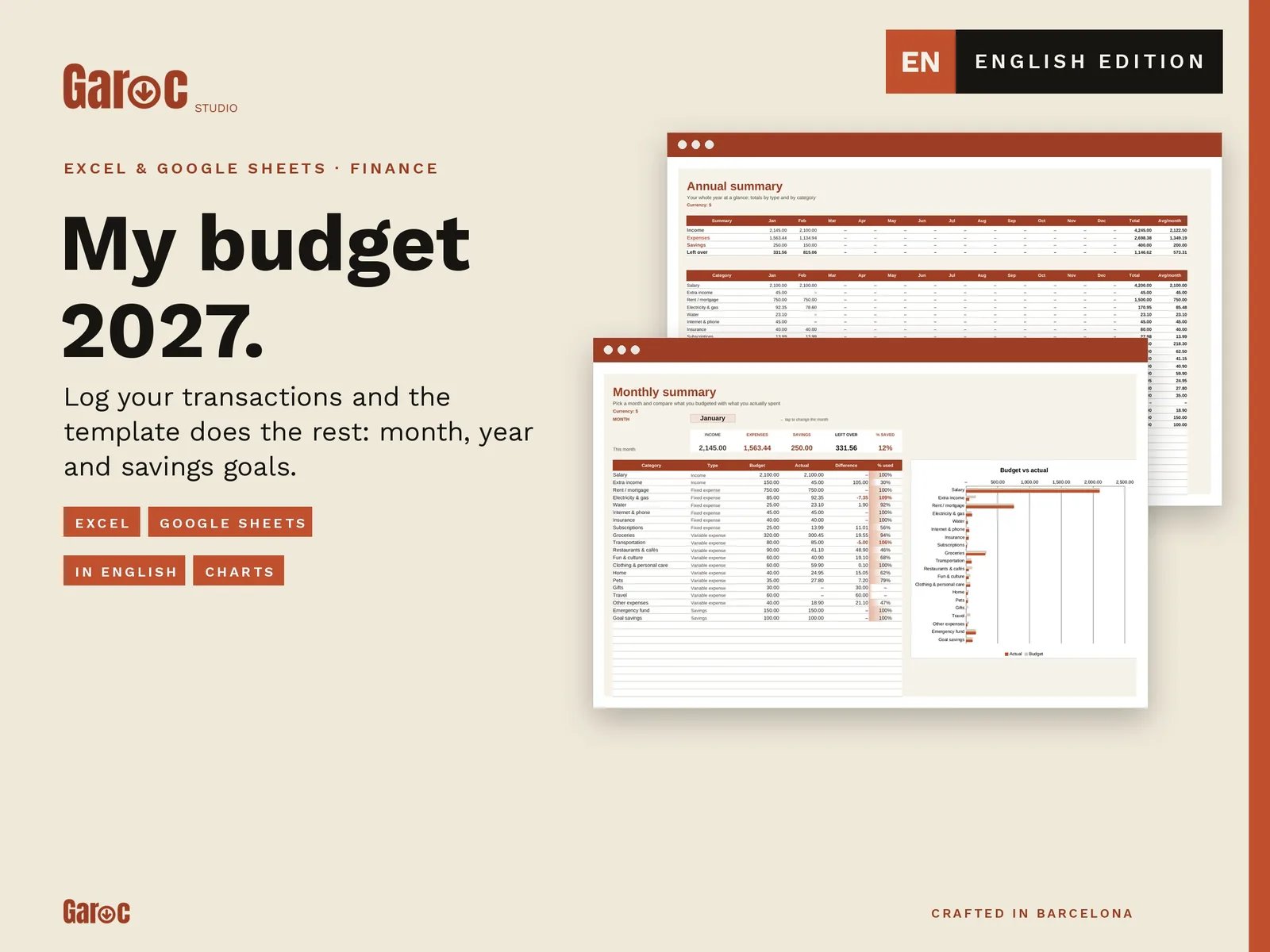
Budget Spreadsheet 2027 for Excel & Google Sheets: Monthly Budget Planner
€12.95EN · Digital download
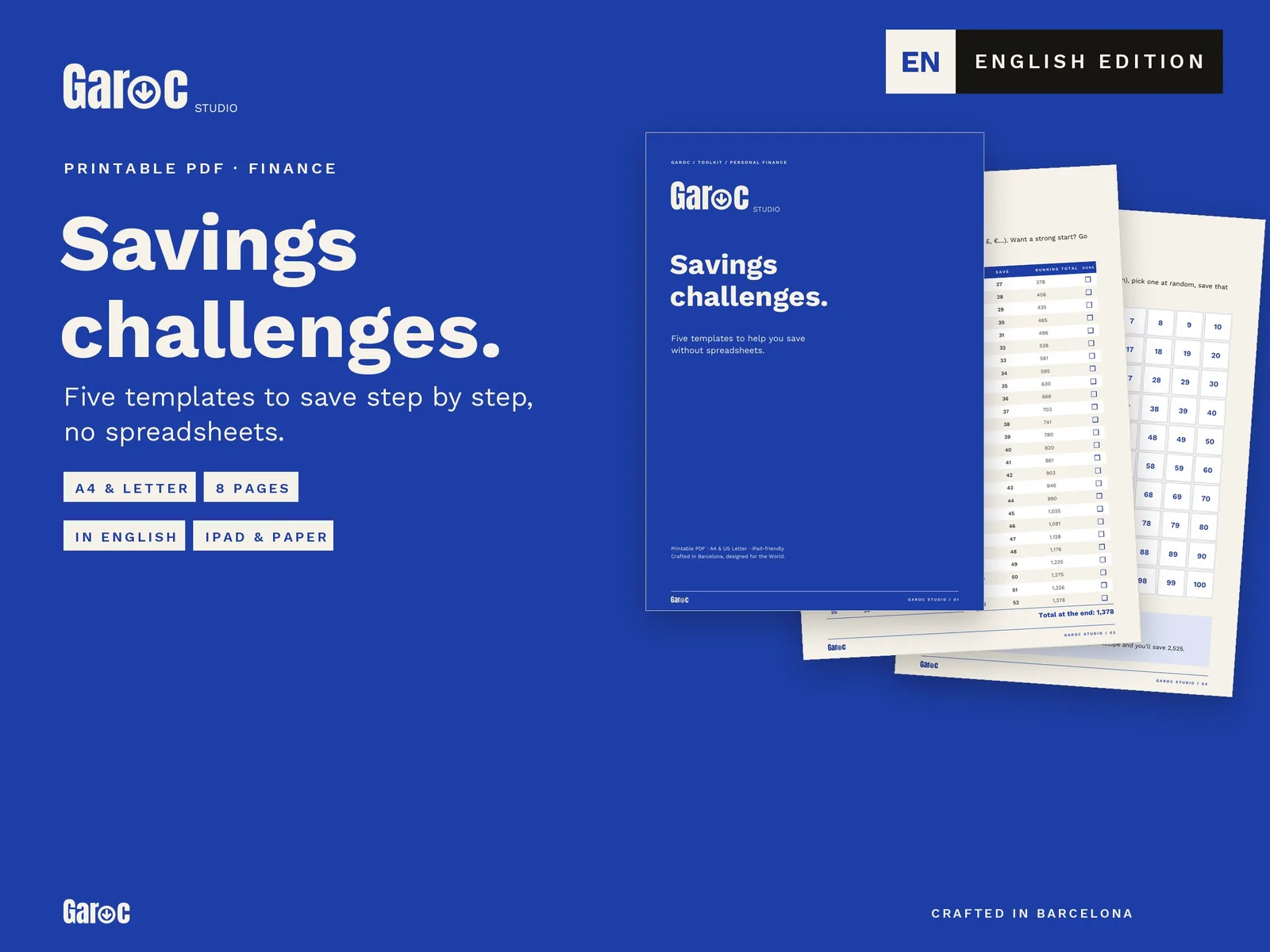
Printable Savings Challenges: 52 Week, 100 Envelope & No Spend
€4.95EN · Digital download
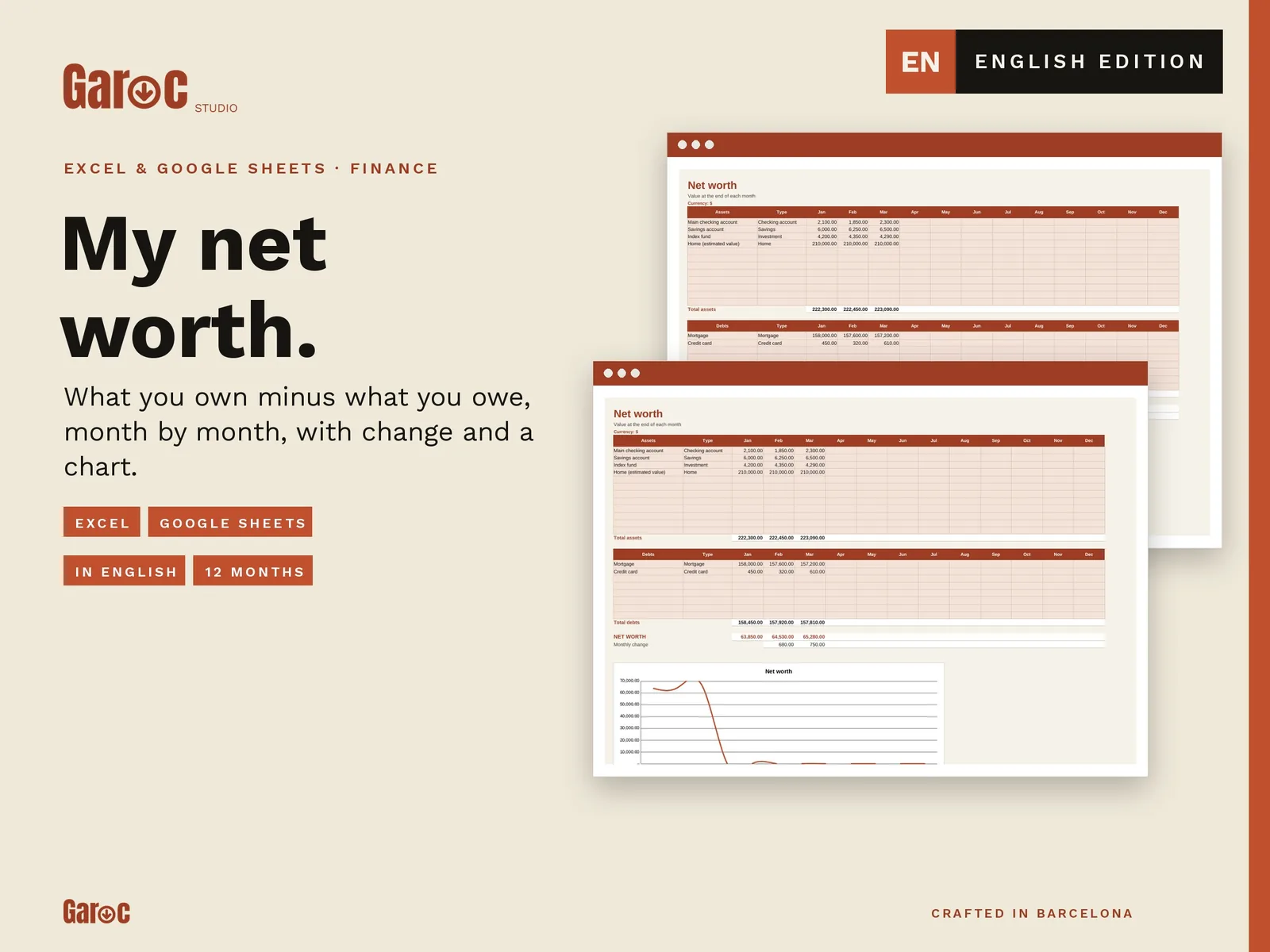
Net Worth Tracker Spreadsheet for Excel & Google Sheets
€6.95EN · Digital download
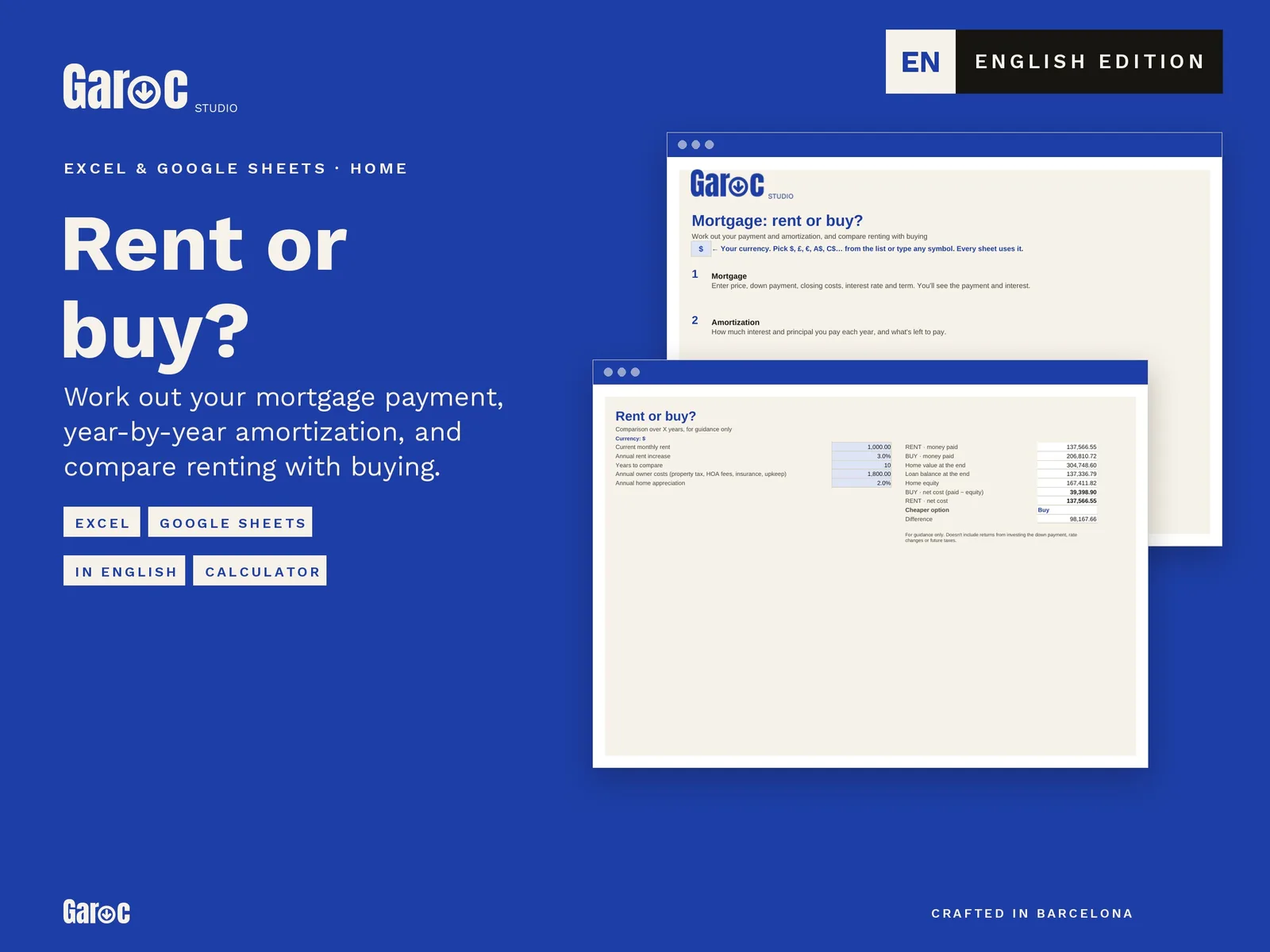
Mortgage Calculator & Rent vs Buy Spreadsheet for Excel & Google Sheets
€9.95EN · Digital download